Articles
Alexa Integration
Oct 20, 2026
You now can access your PTLevel account information from your Amazon Alexa! What can you ask Alexa? First, always ask "Alexa, open my ptdevices account" Then ask: - what is my tank level? (what are my tank levels? what my tank levels are?") - list my ...
You now can access your PTLevel account information from your Amazon Alexa!
What can you ask Alexa?
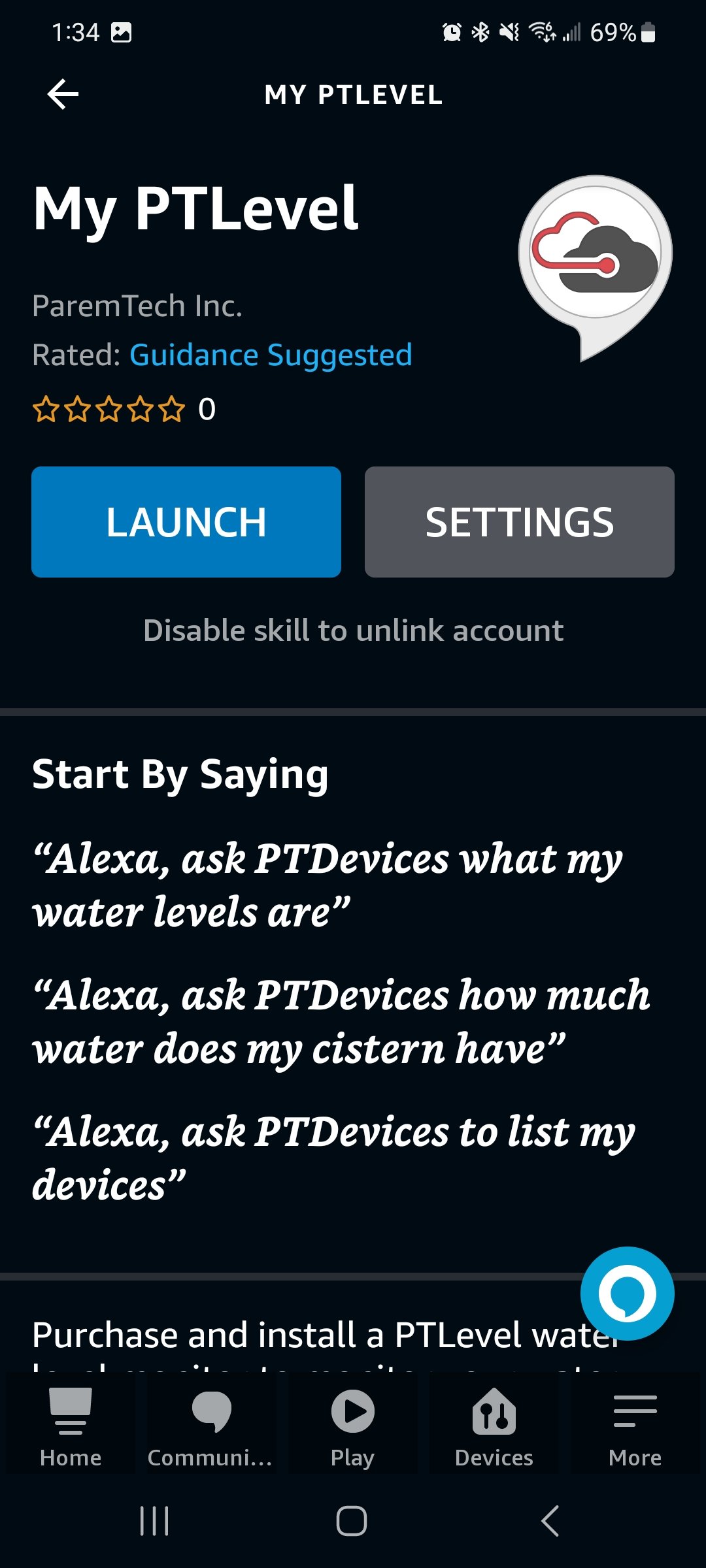
First, always ask "Alexa, open my ptdevices account"
Then ask:
- what is my tank level? (what are my tank levels? what my tank levels are?")
- list my devices
- how much water does my (device title) have?
- what is my (device title) level?
- what is the level of my (device title)
- what the level of my (device title) is
Common device titles are tank, sump, sewage, peroxide, chlorine, cisterns, tanks, septic tank, septic, cistern, tank, water.
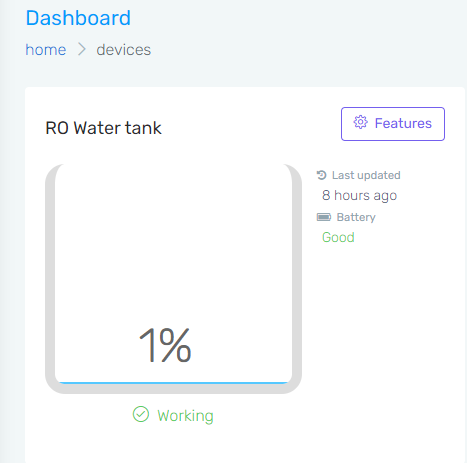
If you've named your ptlevel device, you can also use that name to ask Alexa about that specific PTDevice. The device below is named "RO Water Tank" and the Alexa App will recognize the name. This is great if you have more than one PTLevel! Haven't ordered your PTLevel yet? Order here!
To set up your Amazon Alexa with PTDevices:
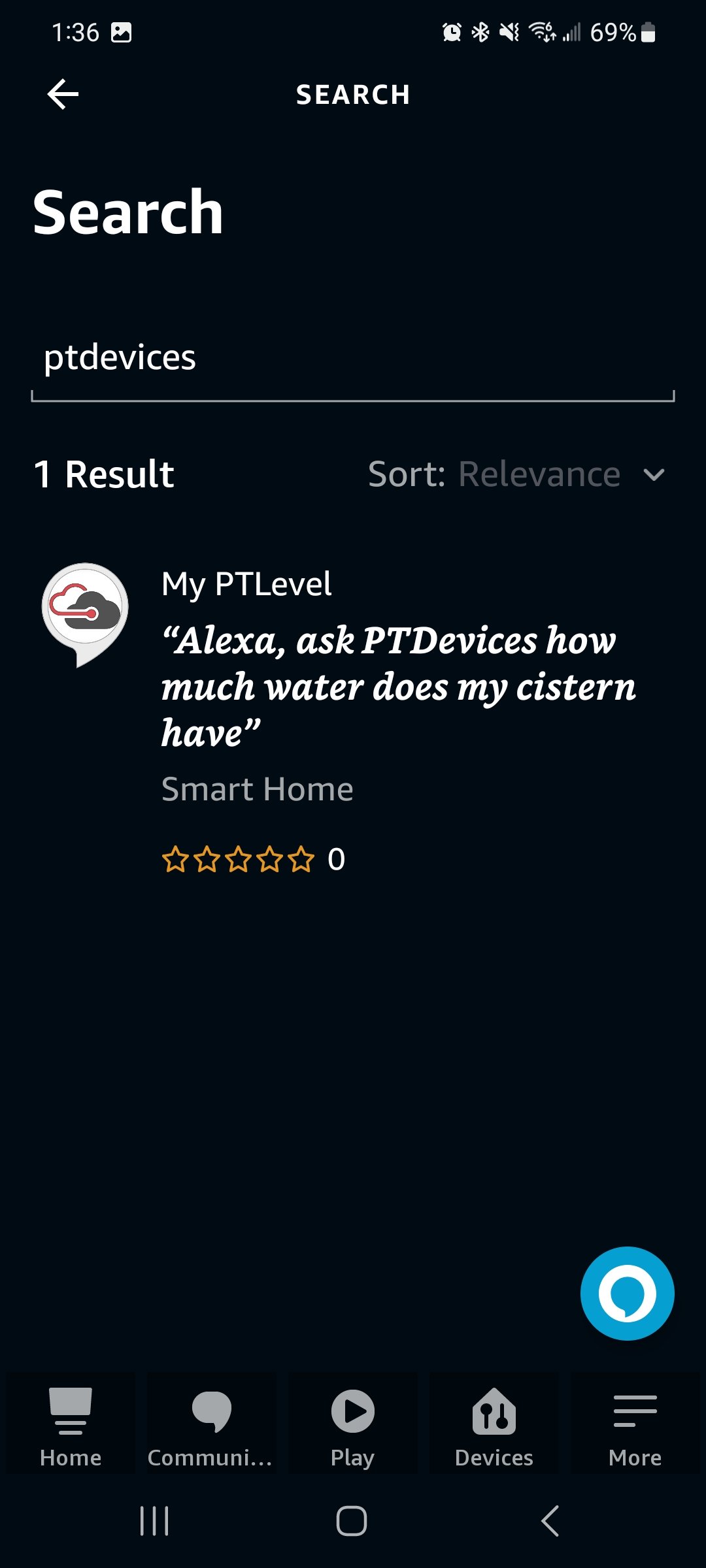
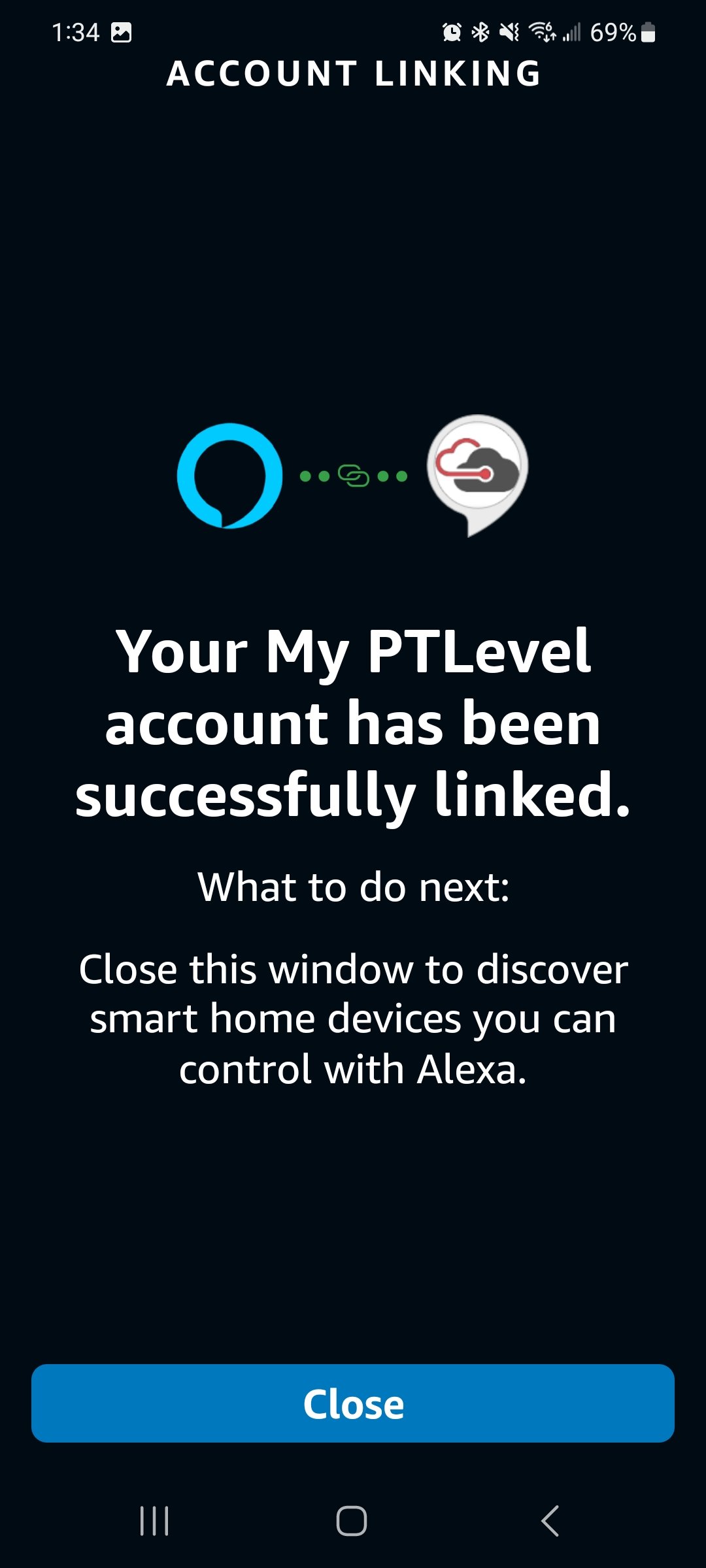
First, install the PTDevices Skill by opening your Alexa app and downloading the PTDevices Skill, then you can access everything from "Your Skills" in the App. Search "PTLevel" or "PTDevices" in the App.
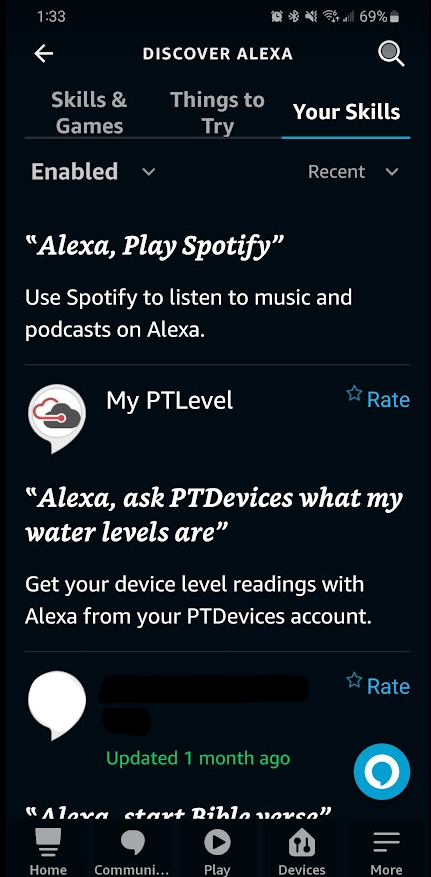
You will need to connect your PTDevices Account, follow the steps through the App!
You can change your notification settings: