Articles
How to Create a Windows Desktop Shortcut
Oct 20, 2026
Creating a desktop shortcut to a website you frequently visit is useful. It allows you to double-click the icon from your desktop to launch the browser and open the website. The desktop icon will open the website in the browser you used when creating ...
Creating a desktop shortcut to a website you frequently visit is useful. It allows you to double-click the icon from your desktop to launch the browser and open the website. The desktop icon will open the website in the browser you used when creating the shortcut.
3 Simple Steps to Create a Shortcut to a Website
The following steps will guide you through the process of creating a desktop shortcut to a website using Firefox, Chrome or Internet Explorer (IE).
- Resize your Web browser so you can see the browser and your desktop in the same screen.
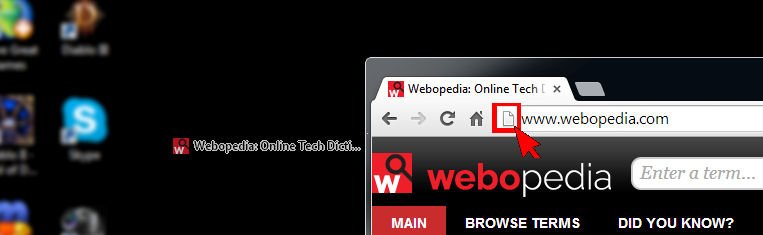
- Left click the icon located to the left side of the address bar. This is where you see the full URL to the website.
- Continue to hold down the mouse button and drag the icon to your desktop. This creates the shortcut.
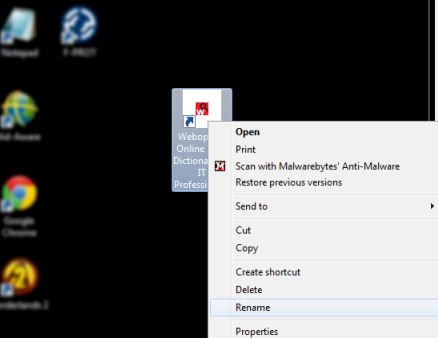
After creating the shortcut you can right-click on the icon and select Rename to edit the text description.